If you’re looking to connect a product to UPDSS, contribute to the platform, or just understand what’s under the hood, this is your starting point.
The Socket-and-Plug Architecture
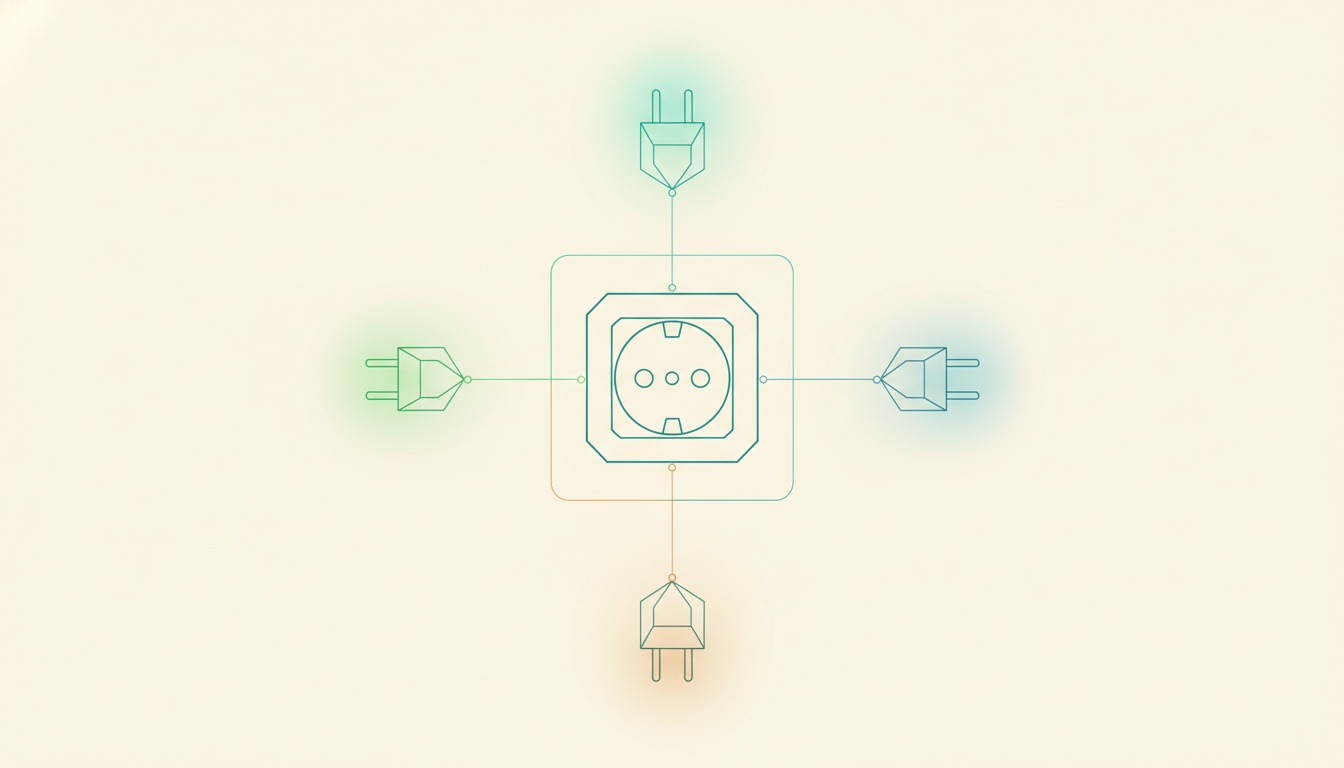
UPDSS governs multiple products through a single platform using an electrical metaphor. The socket is the interface UPDSS exposes. The plug is what your product provides to connect.
The Socket (UPDSS Side)
Socket v1.4 defines a conformance checklist: 19 vault-side items, 5 code-side items, and 1 platform-registry item. Each item has four fields:
id: the checklist identifier (e.g., VAULT-01, CODE-03, PLAT-01)description: what the item requiresverify: a command you can run to check conformanceexample: what a passing result looks like
You can audit a product’s full conformance in a single bash block by running every verify command. Pass or fail. No interpretation needed.
The Plug (Product Side)
Your product declares its plug in the vault’s product.yaml:
plug:
  socket_version: "v1.4"
  separation_mode: "separated"
  product_id: "your-product"
  vault_repo: "yourorg/vault-your-product"
  code_repo: "yourorg/your-product"
The separation_mode: separated field is mandatory as of Socket v1.4. Your governance state (vault) and your implementation (code) must live in different repositories.
Connecting a Product
The onboarding process, step by step:
- Create a vault repository with the required directory structure (stories/, releases/, epics/, features/, _OutBox/, _InBox/, templates/)
- Add
product.yamlwith the plug declaration - In your code repository, create
.updss/vault-pointer.yamlpointing to the vault repo - Create
.updss/code-contract.yamldeclaring the UPDSS tools location - Set
core.hooksPathto point to UPDSS’s hooks directory - Run the conformance checklist
Each onboarding took about an hour when I connected four products to Socket v1.4. Most of that time was creating the directory structure and populating the initial YAML files.
The Conformance Checklist
Here’s what the checklist covers (abbreviated). The full checklist is in the UPDSS methodology docs.
Vault Items (VAULT-01 through VAULT-19)
The vault-side checks verify your governance structure is correct:
- VAULT-01:
product.yamlexists with required fields (name, plug section, identity) - VAULT-02 through VAULT-05: Directory structure (stories/, releases/, epics/, features/) exists
- VAULT-06 through VAULT-08: Story files follow the triad pattern (story.yaml + cursor.yaml + progress.md)
- VAULT-09 through VAULT-12: Release files include scope, gate files (G1/G2/G3), and cursor
- VAULT-13: Templates directory with required templates
- VAULT-14 through VAULT-15: _OutBox/ and _InBox/ directories exist
- VAULT-16 through VAULT-17: ADRs and learnings directories present
- VAULT-18 through VAULT-19: Research directory with four-stage lifecycle (01-ideas, 02-researched, 03-absorbed, 04-deprioritised)
Code Items (CODE-01 through CODE-05)
The code-side checks verify your product repo integrates correctly:
- CODE-01:
.updss/vault-pointer.yamlexists and points to a valid vault - CODE-02:
.updss/code-contract.yamldeclares UPDSS tools location - CODE-03:
core.hooksPathset to UPDSS hooks directory - CODE-04: Pre-commit hooks execute successfully on a test commit
- CODE-05: Methodology doc version pins match the installed UPDSS version
Platform Registry (PLAT-01)
- PLAT-01: Product is registered in UPDSS’s platform product registry
The Enforcement Engine
Three layers of mechanical enforcement. If you’re integrating a product, you’ll interact with all three.
Pre-Commit Hooks
check-methodology.py runs on every git commit in your product repo (via the cross-repo core.hooksPath). It checks:
- Commit message format: Must match
[STORY-NNN-YY-ZZ][T-N],[VAULT],[FIX],[CURSOR], or[GATE]prefix - Branch policy: Story work only on release branches, not on main
- Version pins: Methodology doc versions must match declared pins
- Story ID validation: The referenced story must exist in the vault
- Triad consistency:
release-scope.yaml,cursor.yaml, andG1.yamlmust agree on the story set for the current release
If any check fails, the commit is rejected. The error message tells you exactly what’s wrong and how to fix it.
Gate Tools
draft-gate.py auto-generates gate files (G1, G2, G3) with appropriate checklists and evidence sections. The decision field defaults to ~ (YAML null). This is the mechanical enforcement of human-only gate approval. No amount of YAML editing by an agent can approve a gate, because the pre-commit hooks will reject it.
CI Workflows
Two GitHub Actions workflows supplement the local hooks:
methodology-pin-sync.ymlvalidates version-pin consistency on pull requests. If you bump a methodology doc but don’t update the version pin (or vice versa), the PR check fails.bookkeeper-status-bump.ymlauto-bumps story statuses when PRs merge. This replaced a procedural rule that agents consistently forgot.
Vault Structure
Here’s what a well-formed vault looks like:
vault-your-product/
  product.yaml              # identity, plug declaration
  epics/
    EPIC-001/
      epic.yaml
  features/
    FEAT-001-01/
      feature.yaml
  stories/
    STORY-001-01-01/
      story.yaml             # the contract (stable after G1)
      cursor.yaml            # the state machine (mutates constantly)
      progress.md            # the audit trail (append-only)
  releases/
    v0.1/
      release-scope.yaml     # stories, budget, appetite
      release-cursor.yaml    # current phase, cost tracking
      G1.yaml                # scope review gate
      G2.yaml                # implementation review gate
      G3.yaml                # release review gate
  research/
    01-ideas/
    02-researched/
    03-absorbed/
    04-deprioritised/
  templates/
  ADRs/
  learnings/
  _OutBox/
  _InBox/
The story triad deserves special attention. story.yaml is the contract: scope, budget, out-of-scope, acceptance criteria. It’s stable after G1 approval. cursor.yaml is the state machine: current phase, current task, cost tracking, hill position. It mutates constantly during implementation. progress.md is the audit trail: append-only, one section per session, never rewritten.
This three-file split enables idempotency checking. If cursor.last_commit doesn’t match git HEAD, the session crashed between code and cursor update, and the current task can be safely re-run.
Extending UPDSS
UPDSS is designed to be extended at specific points.
New conformance items. The socket checklist is versioned. Adding VAULT-20 or CODE-06 means bumping the socket version, updating all product plugs, and running conformance audits.
New enforcement hooks. Pre-commit hooks are Python scripts. Adding a new check means adding a function to check-methodology.py and registering it in the check sequence.
New gate checklists. Gate templates define what each gate reviews. Adding a new checklist item to G2 (say, “security scan evidence”) means updating the template and bumping the methodology version.
New product types. The socket is product-agnostic. Whether you’re governing a web app, a CLI tool, a mobile app, or a data pipeline, the vault structure and gate process are the same. The code-side integration (hooks, vault pointer) works with any Git-based project.
The UPDSS methodology document (UPDSS-Core.md, currently at v4.2.0) has been through seven major versions. Each version was driven by real failures in the previous one: agents forgetting procedural rules, cross-repo contamination bugs, triad drift between files. The methodology evolves through operational experience, not committee design.
For the governance perspective, read For Product Leaders. For the full architecture article, read Governance-as-Code.